
PLATFORM FEATURES
Everything you need — from prep to performance
Smart Pages
Auto-populate virtual pages by searching your entire library by artist, title, genre, or year.
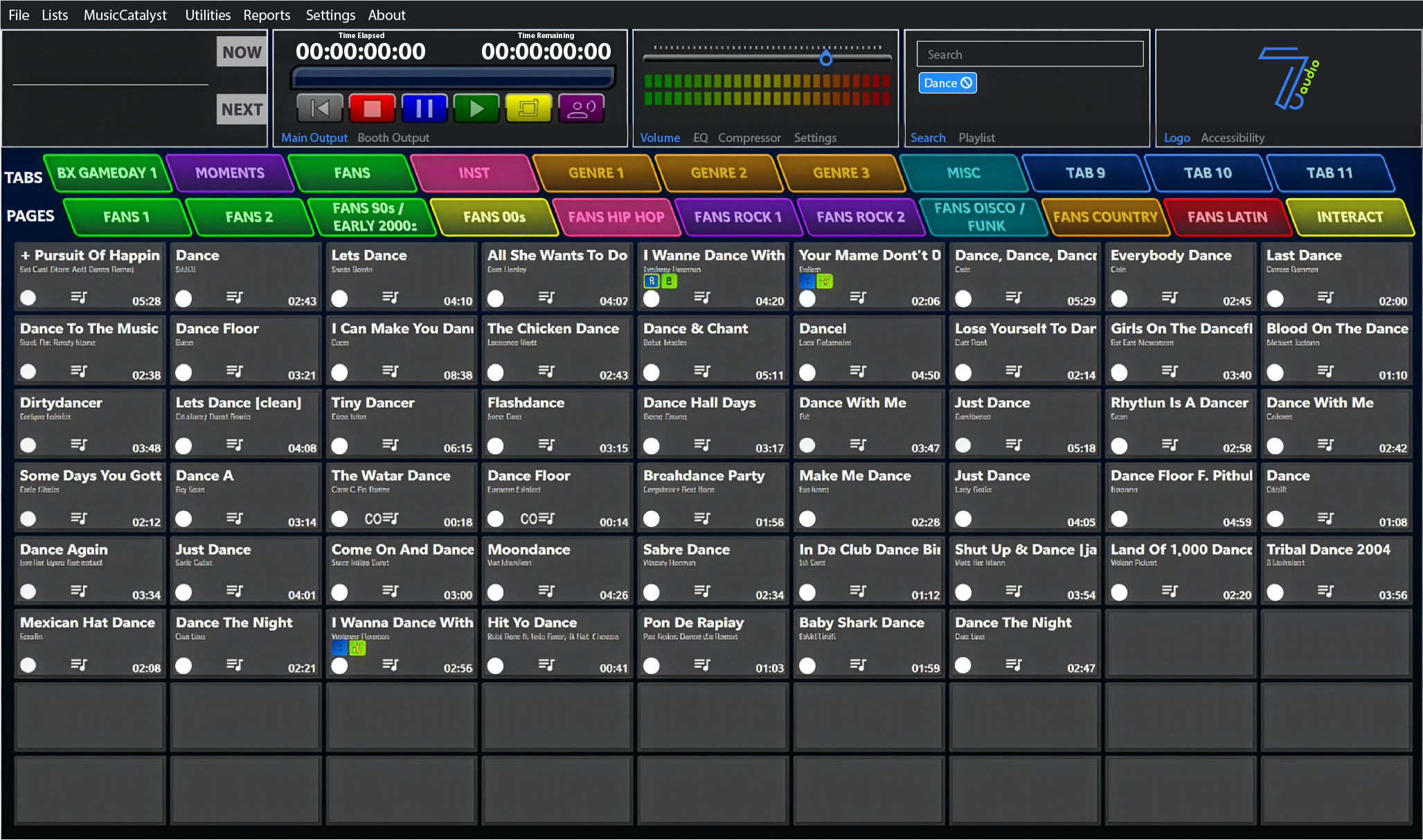
Theming + Color Customization
Choose from Dark, Light, and Blue UI themes, then assign per-page background colors and per-button color schemes.
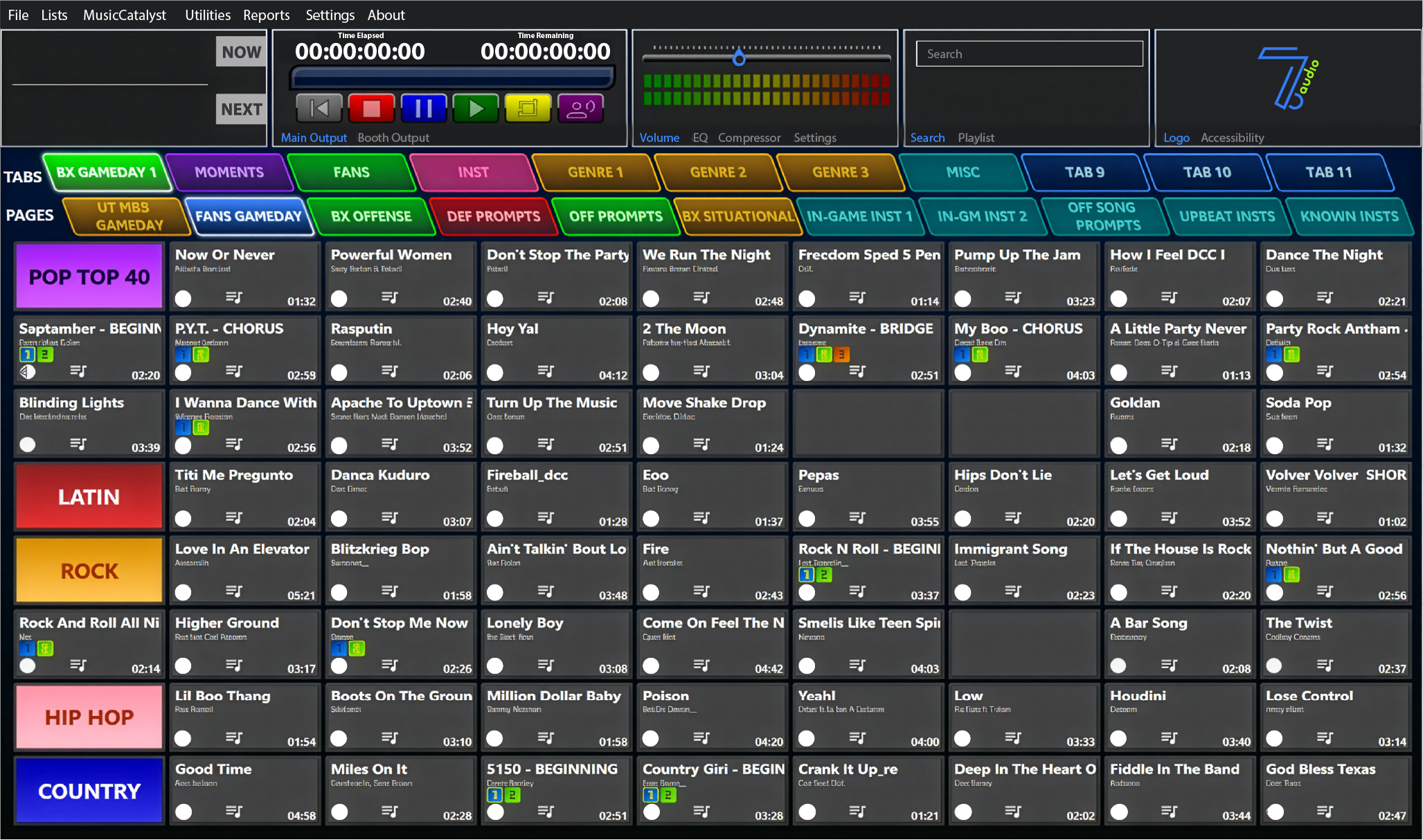
Playlist Scheduling
Schedule a playlist to launch at a specific clock time — step away during setup and still hit warmups on the dot.
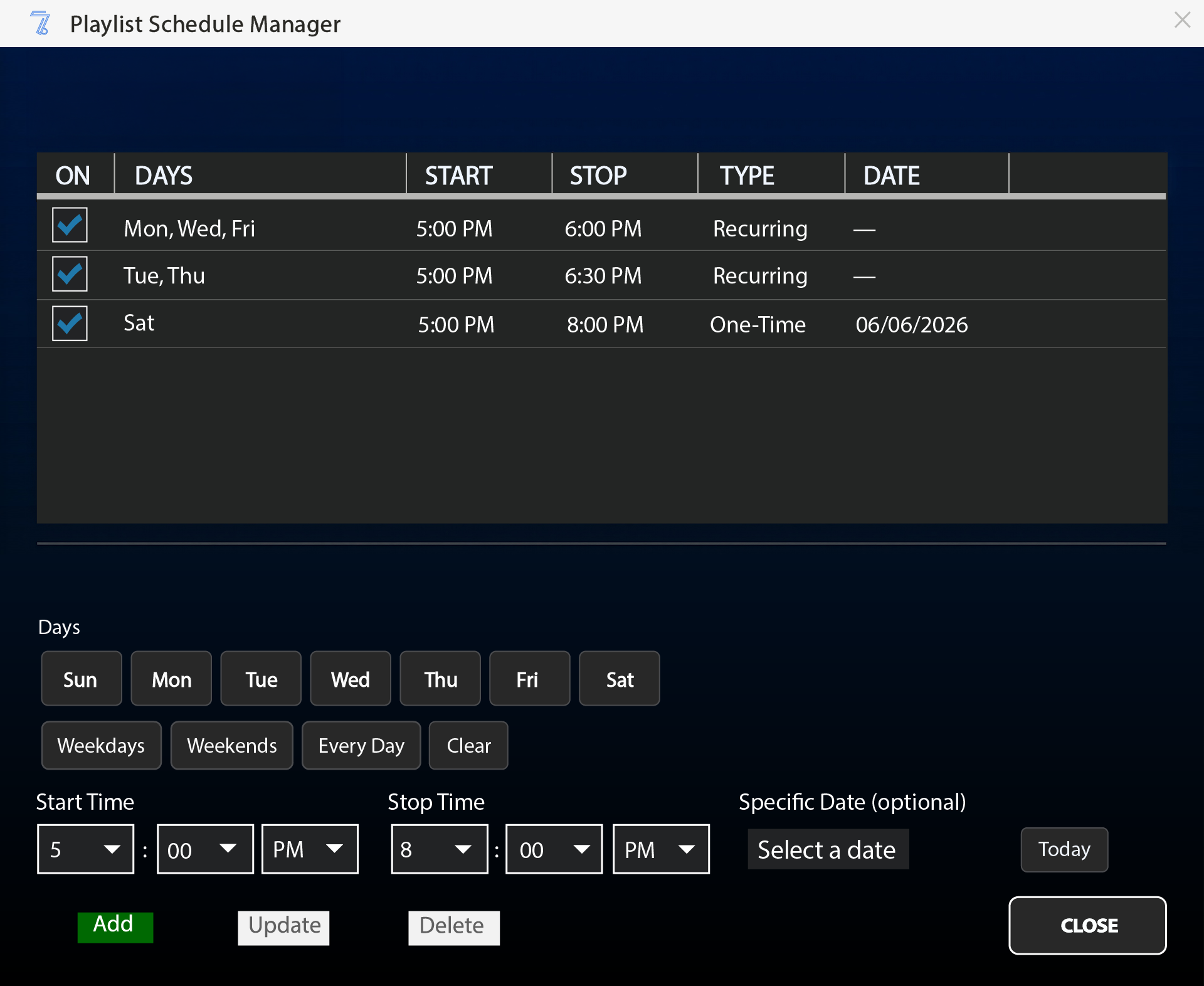
PDF Reports
Print hotkey maps, playlist run sheets, and post-event analytics showing which buttons were used and how often.
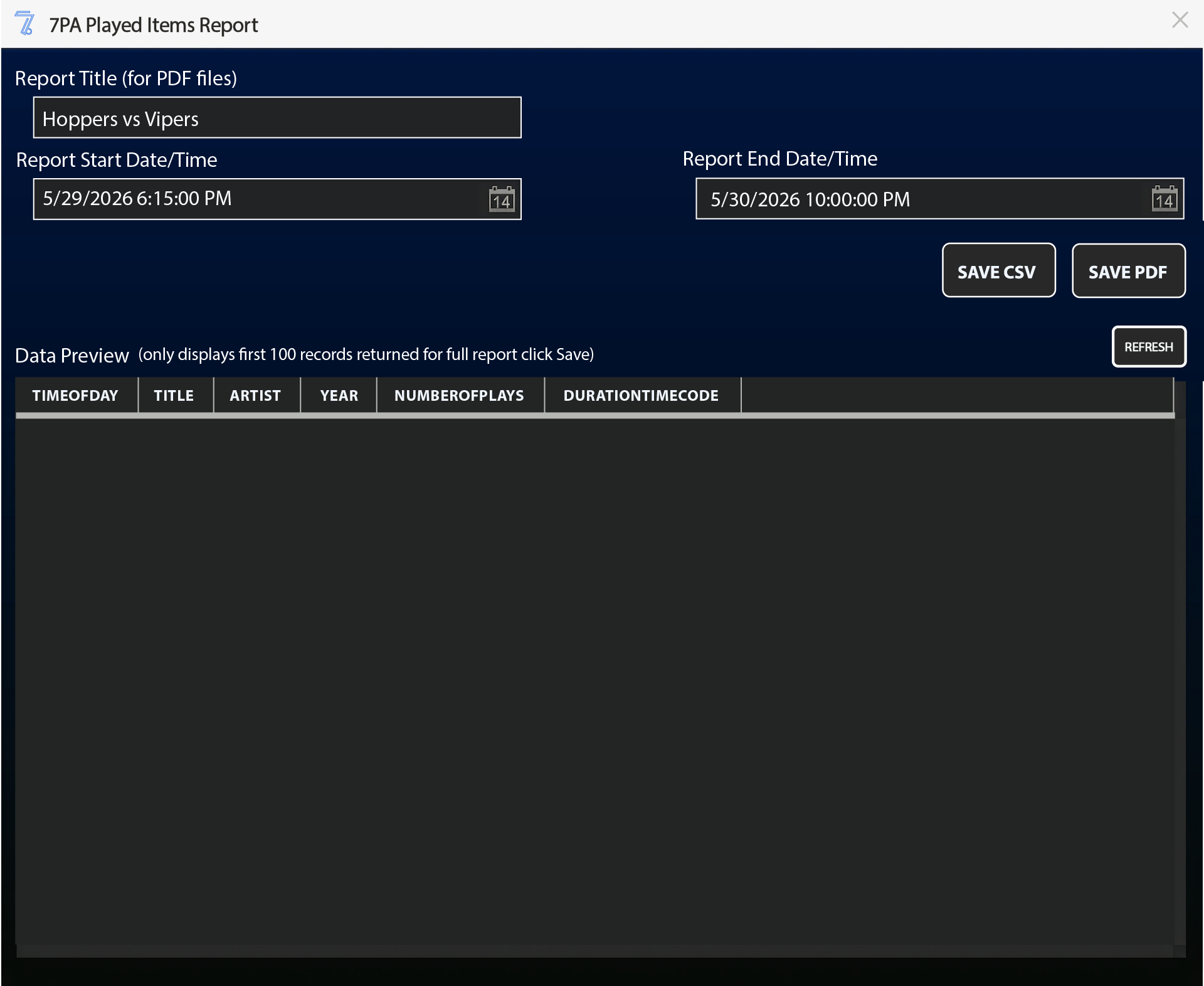
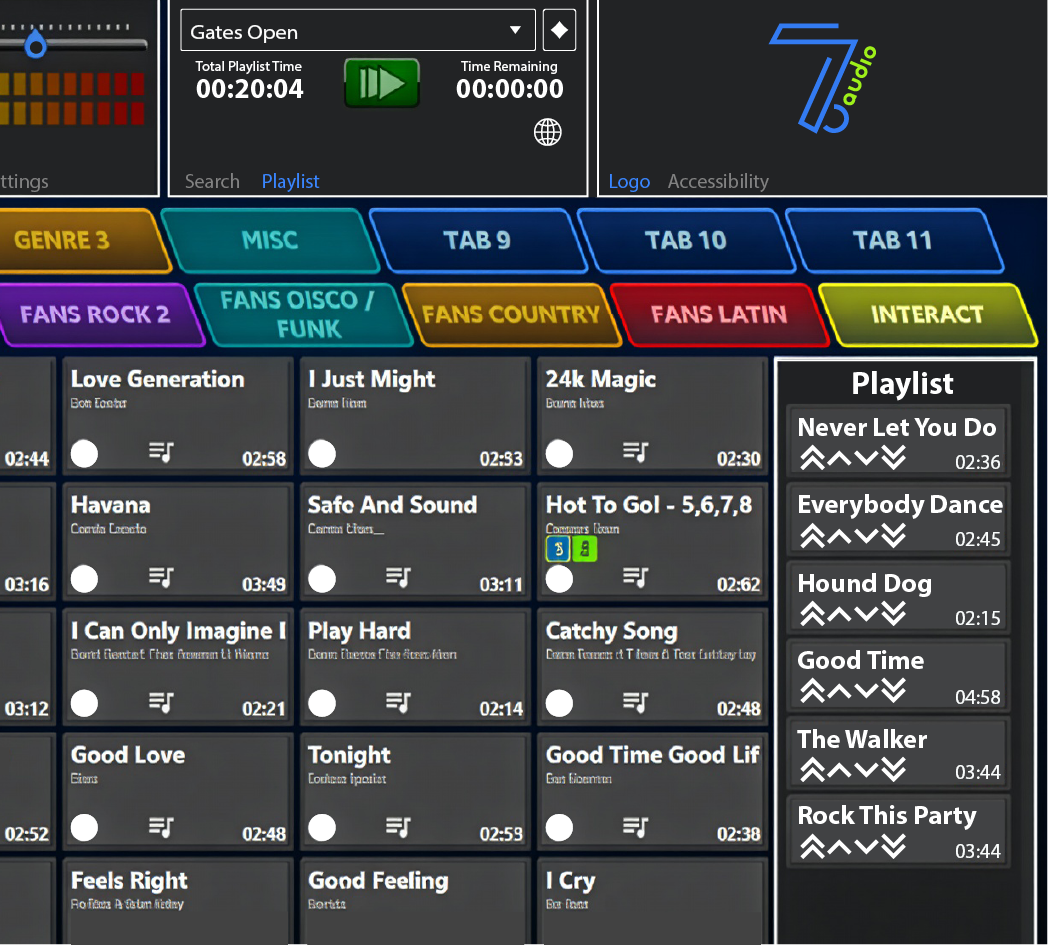
Playlists
Queue sequential audio into playlists for halftime, warmup, or any segment that needs to run in order.
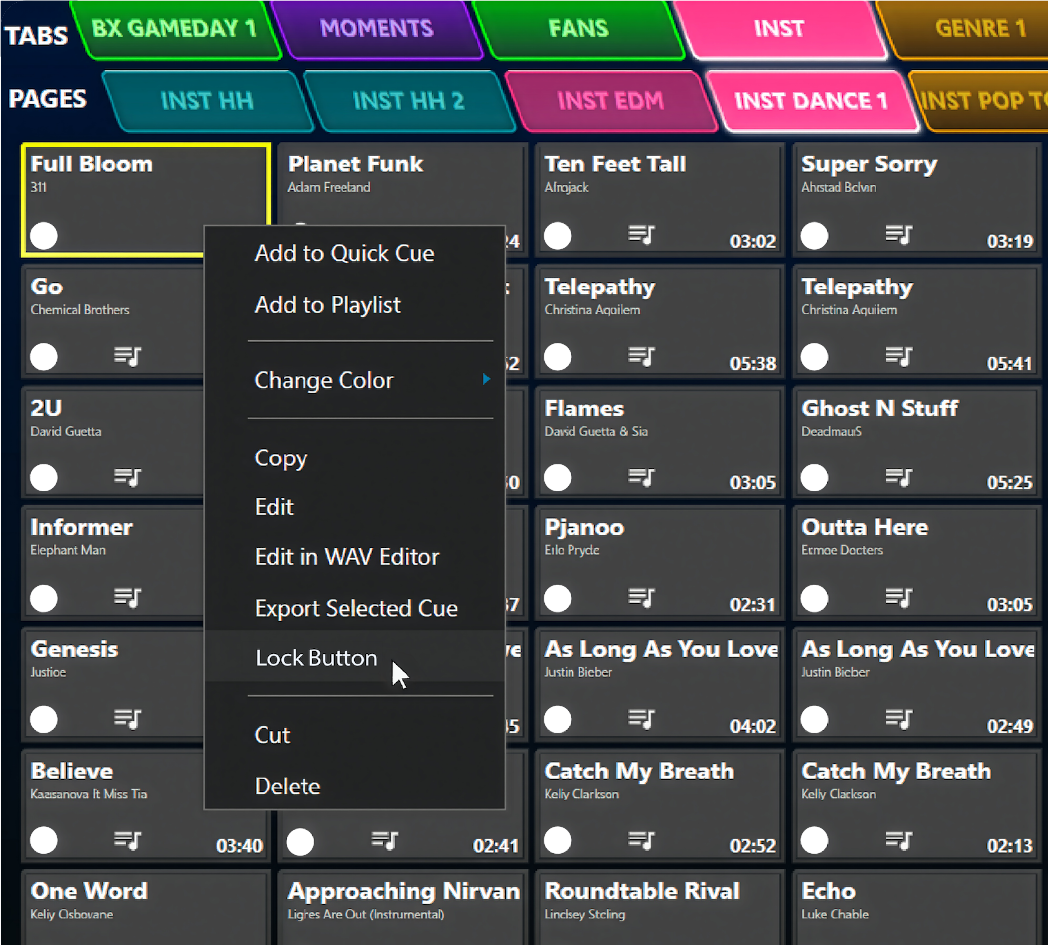
Per-Button Locking
Lock critical cues against accidental clicks, or set up placeholder buttons with labels like "Client drop-in" that can be filled in later.
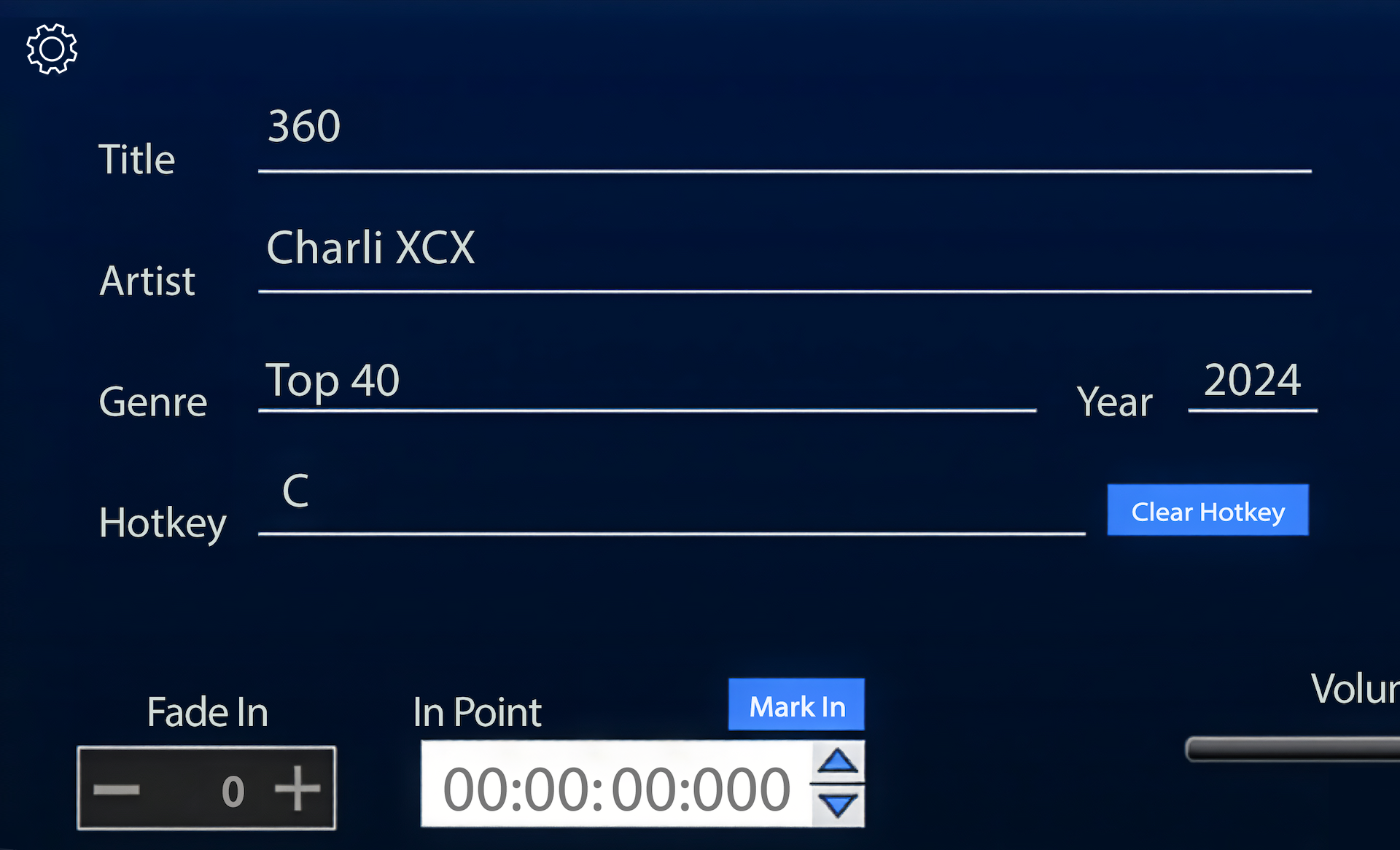
Drag + Drop Import
Drop MP3s onto any button and metadata populates automatically from ID3 tags or filename patterns.
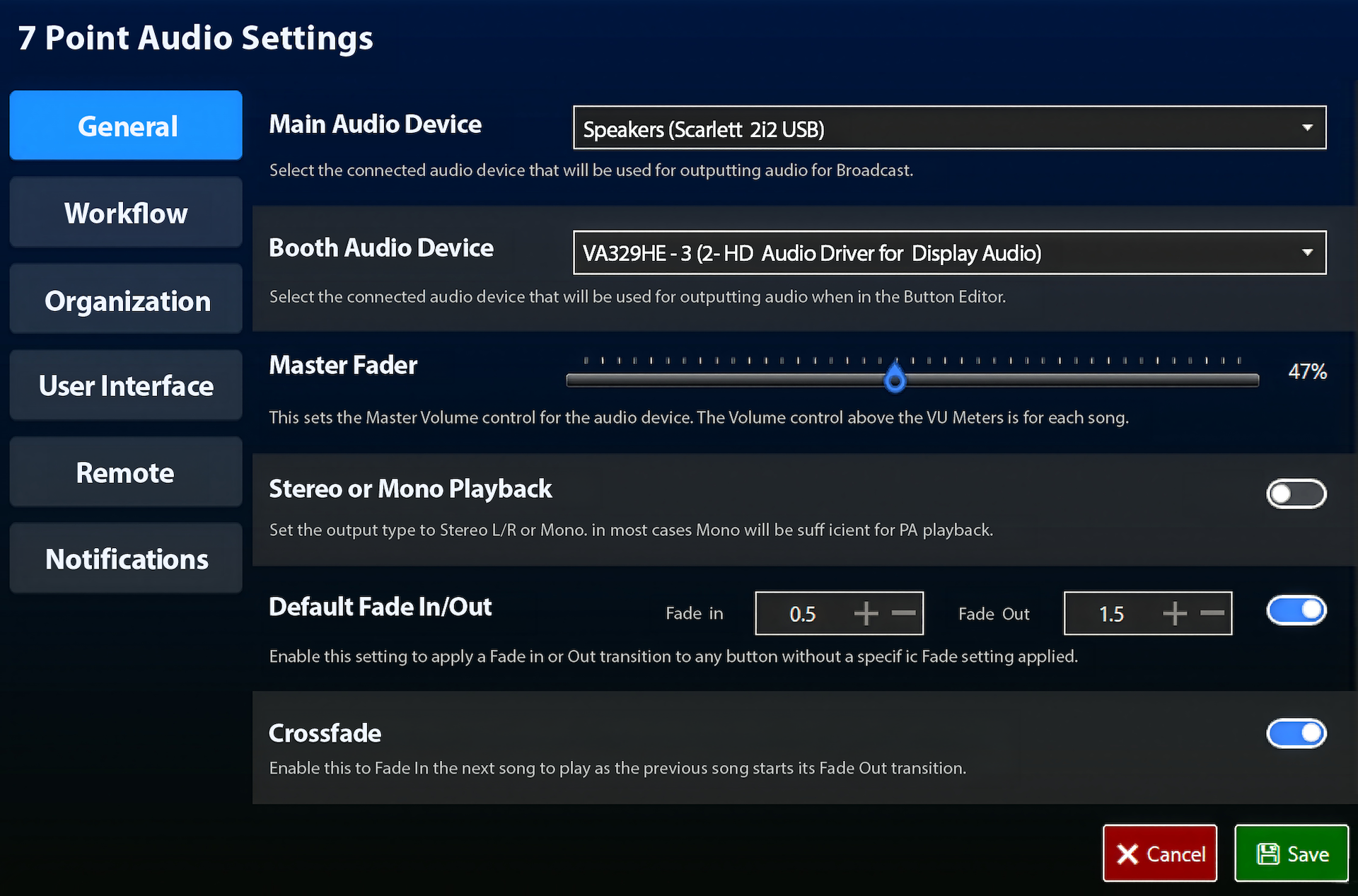
Configuration + Audio Setup
Set your main and booth audio devices, master fader, fade in/out defaults, and crossfade behavior — everything dialed in before the first track plays.
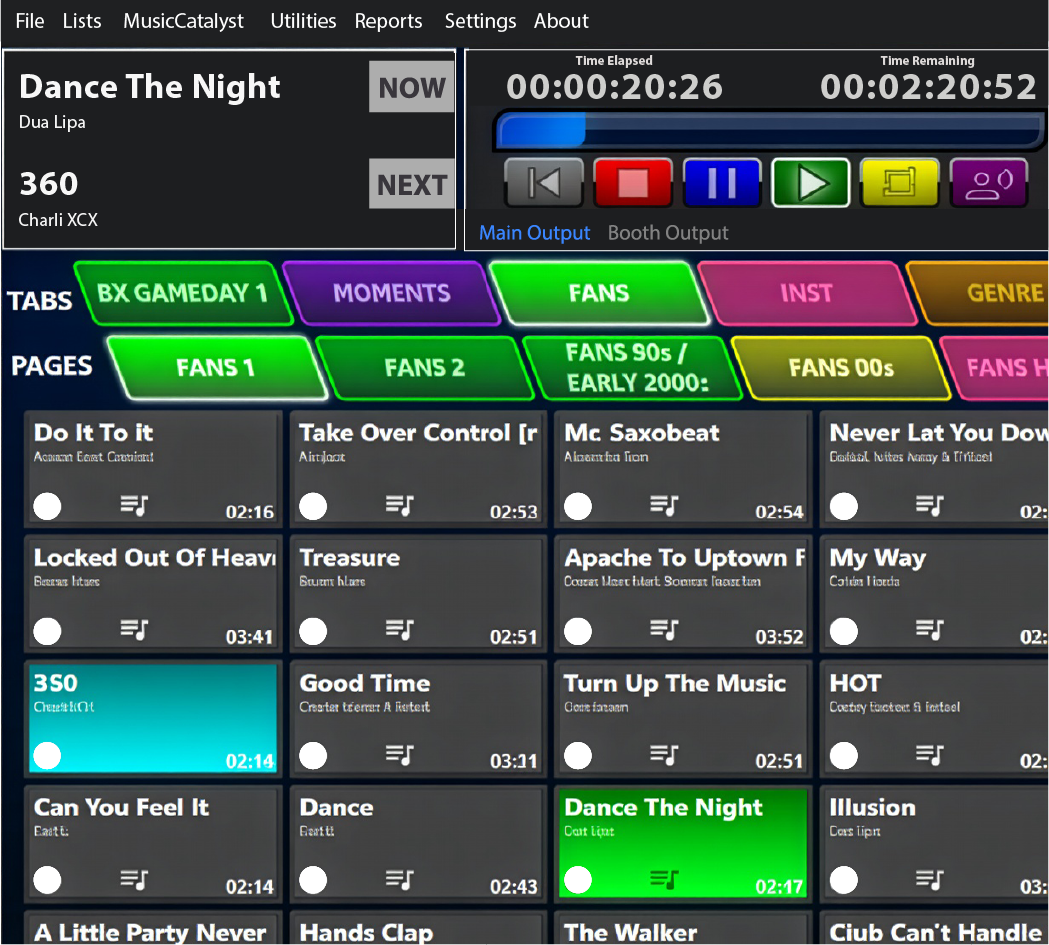
NOW / NEXT Dual-Deck Playback
Two playback lanes keep your current cue and the next one always visible and ready to fire.
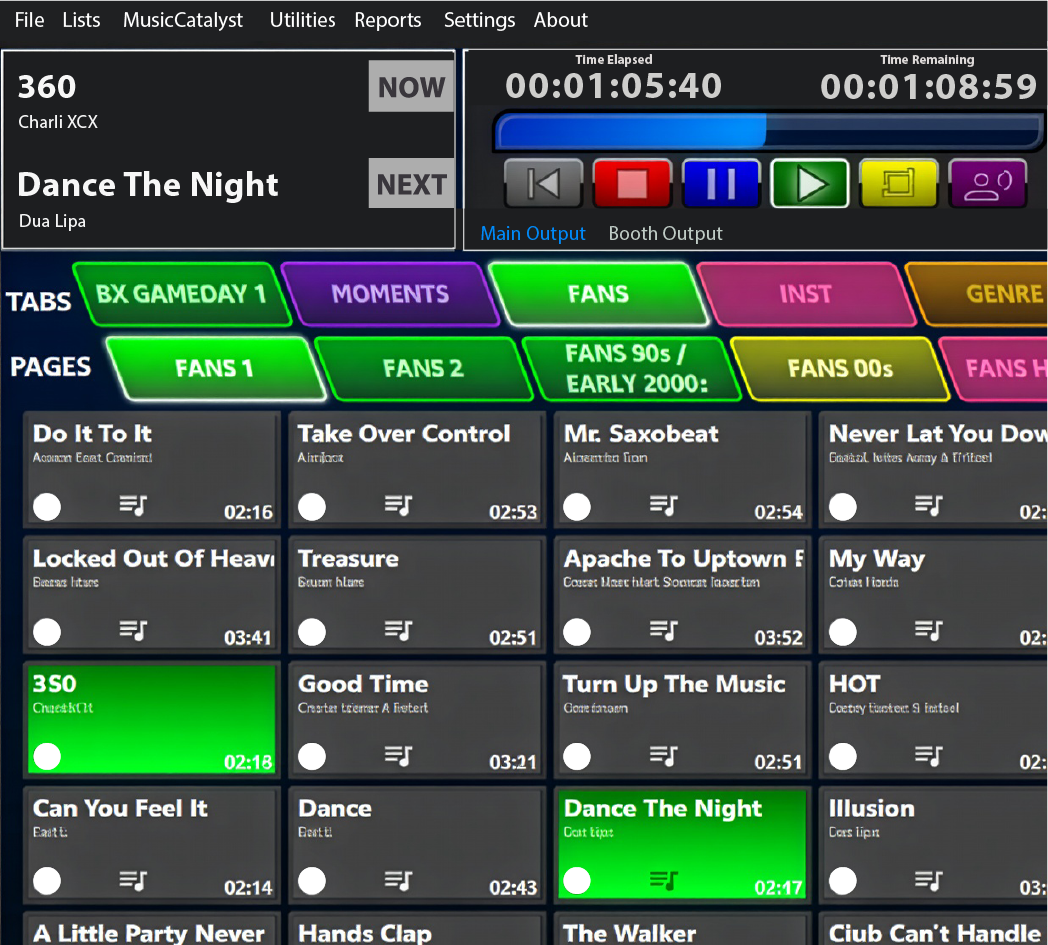
Double Play
Hold CTRL and click any button to layer a second audio stream — perfect for goal horns and stingers over an active bed.
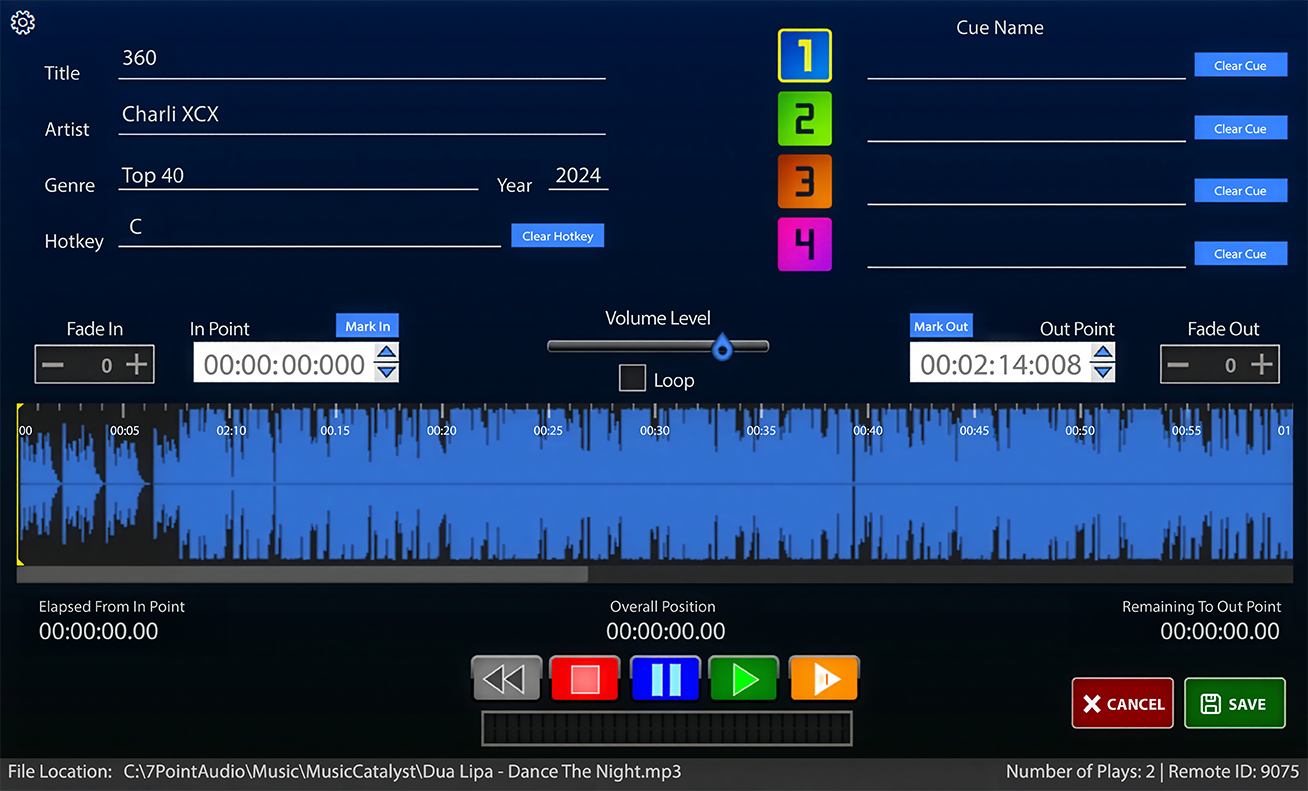
Multi-Cue Buttons
Every button holds up to four independent cue points, each with its own fade, volume, and loop setting.
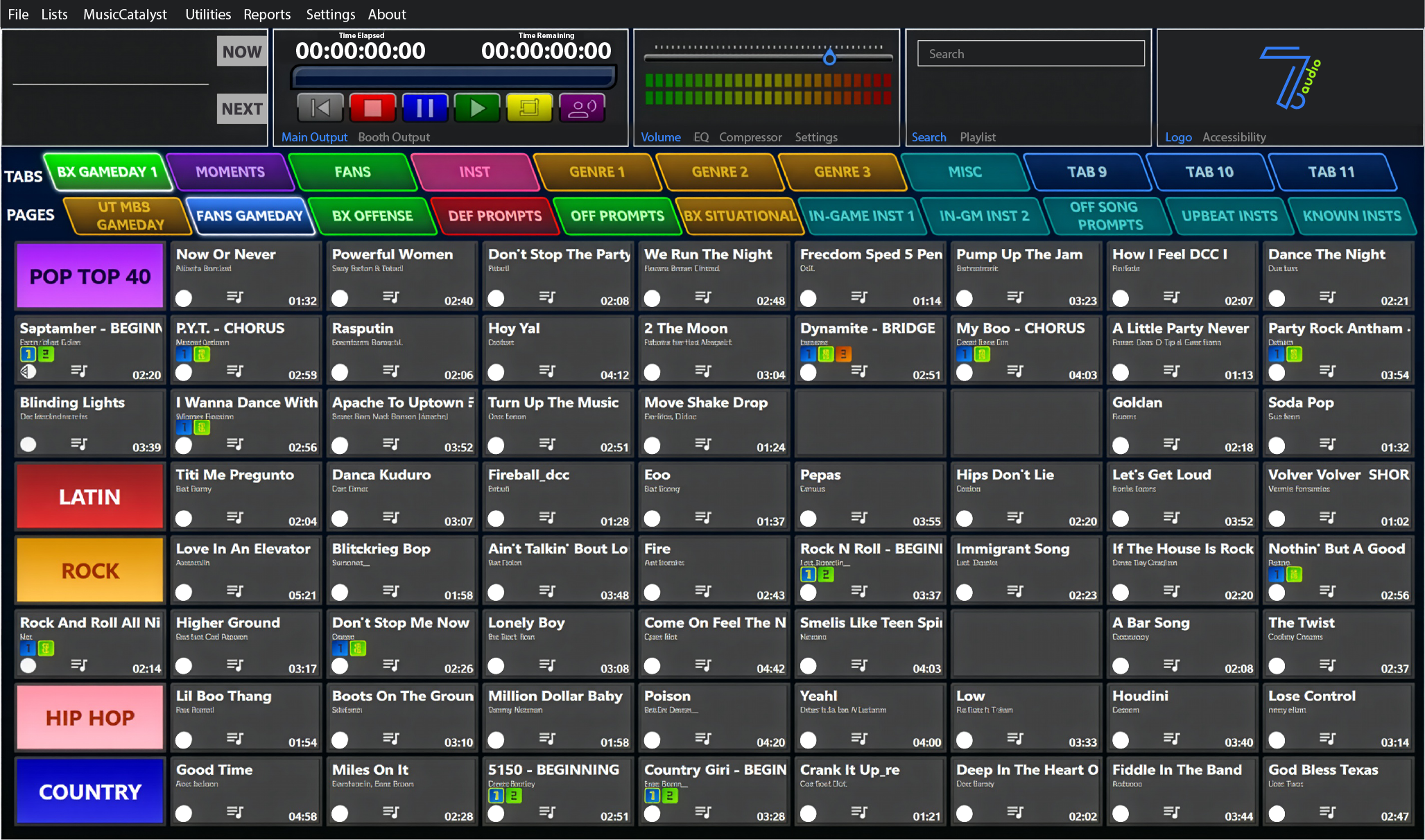
Hotkeys
Assignable keyboard hotkeys for every button — stay in control without touching the mouse.
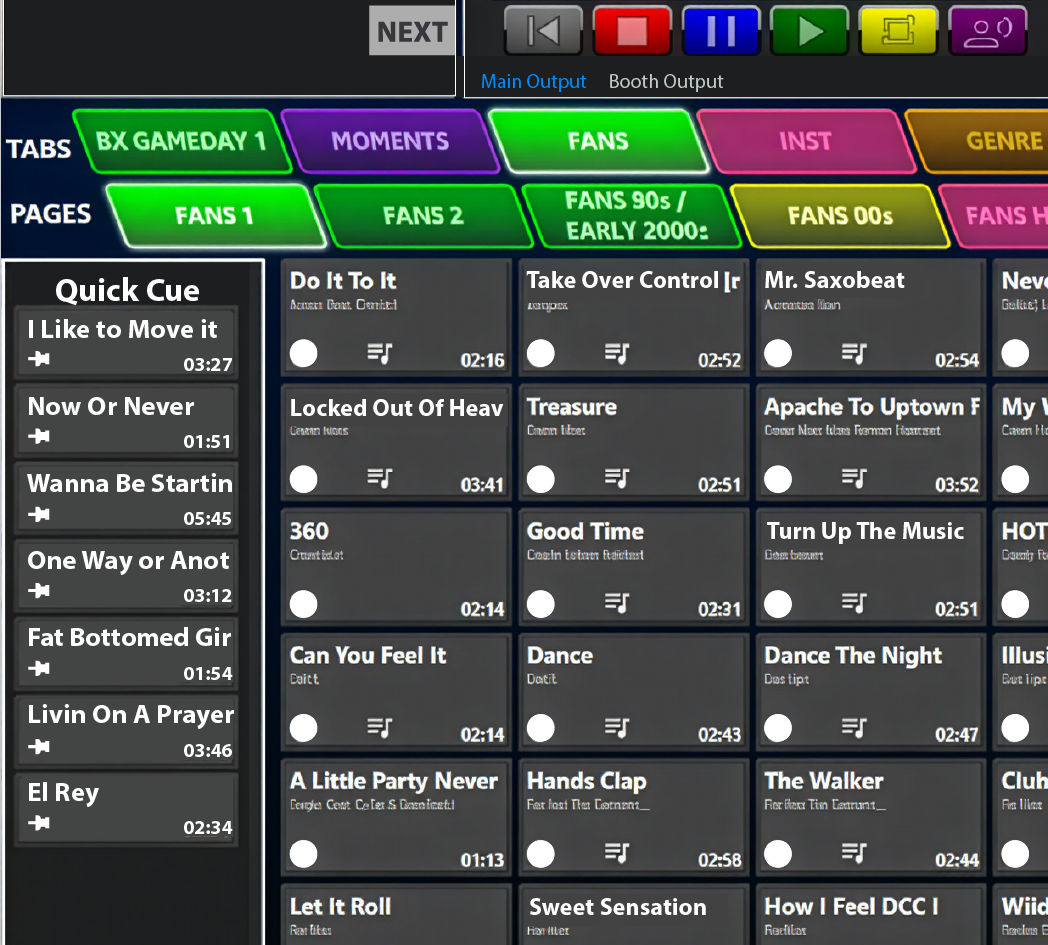
Quick Cue Sidebar
Keep your most-used sounds one click away — instant access to stingers, drops, and fx without leaving your current layout.
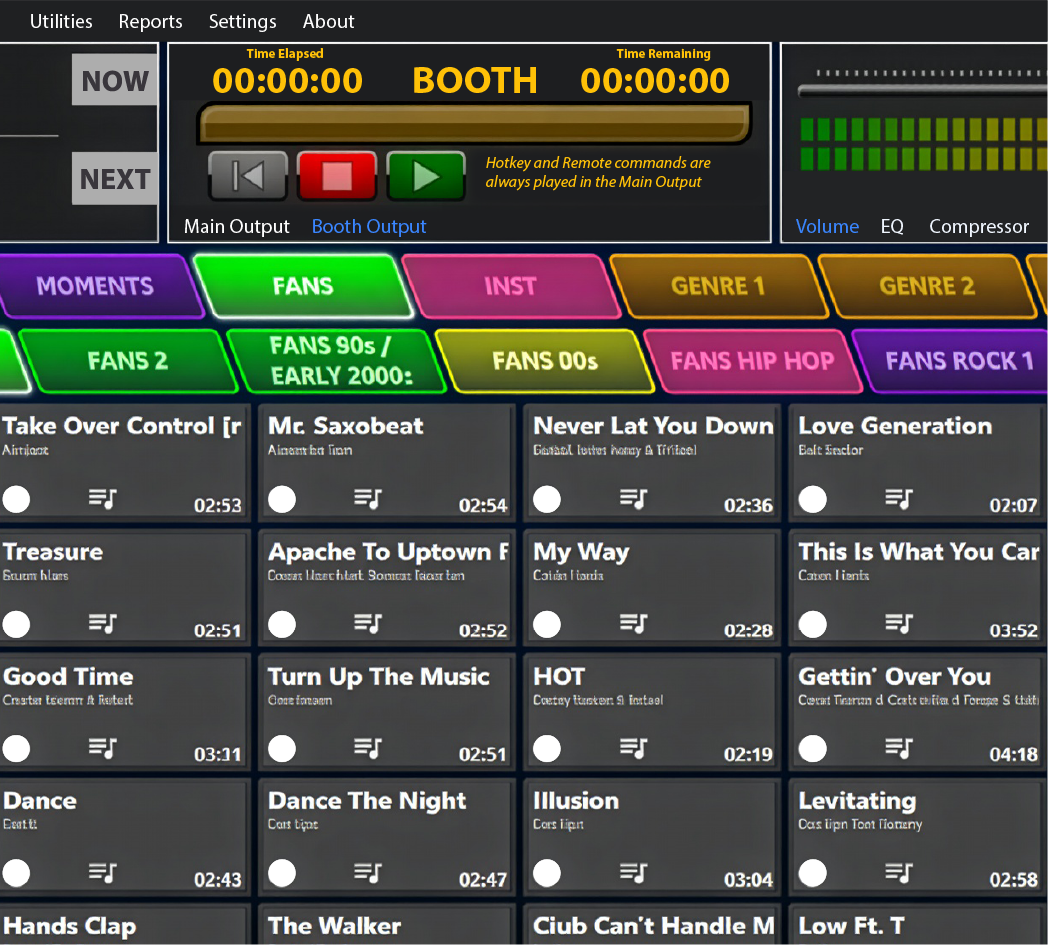
Audition Lane
Preview any track in your headphones before it hits the main output — hear it first, cue it perfectly, without interrupting the live feed.
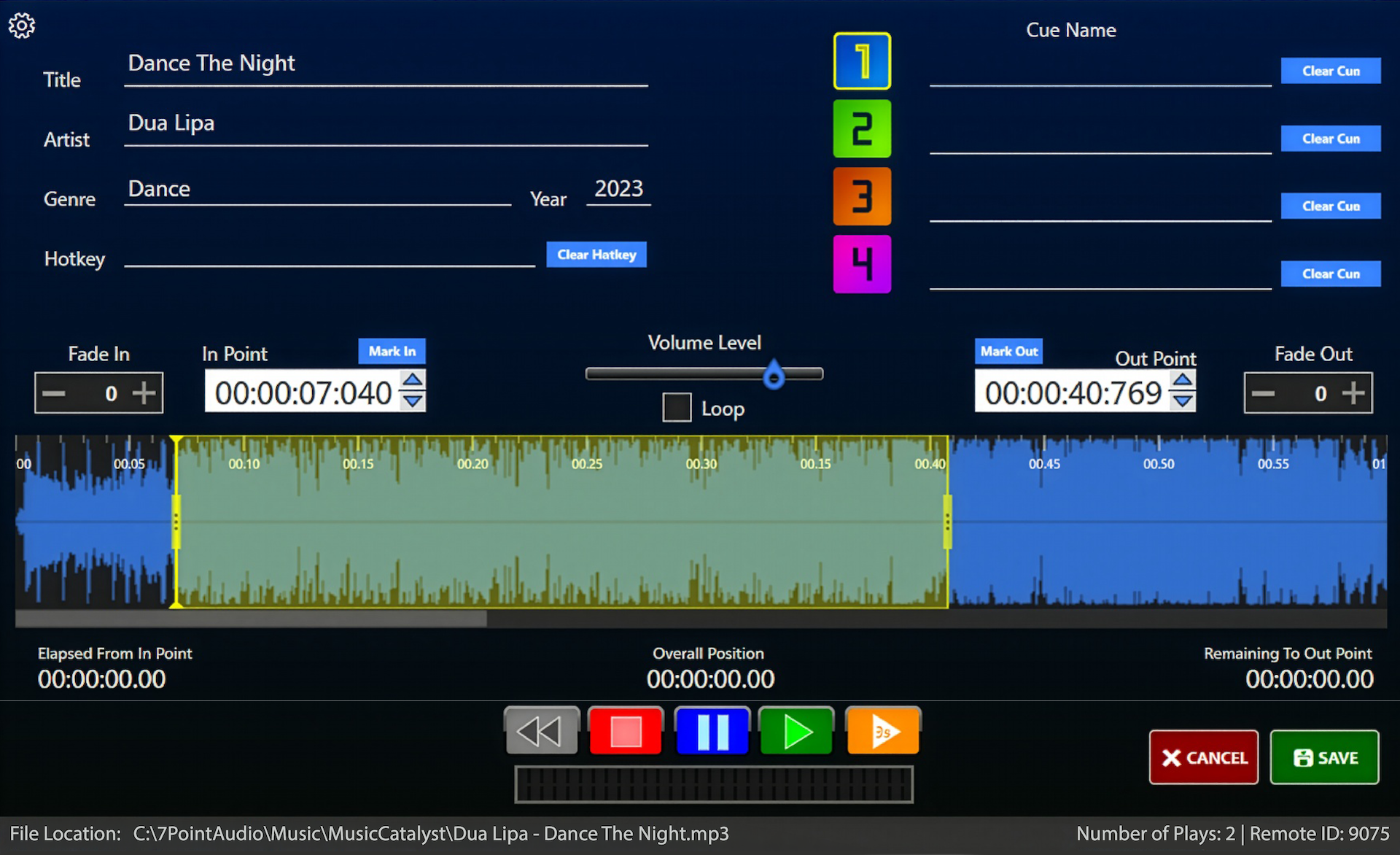
Waveform Viewer
Visualize the entire track, click to mark in/out points, and fine-tune to the millisecond with keyboard nudges.
Automatic Backups
Your show data is automatically backed up so you never lose a cue, a page, or a carefully built layout — even if something goes wrong mid-event.
File Relinking
If your audio library moves, the Relink tool reconnects every button to its new file path in one pass — no rebuilding pages from scratch.
Works Online or Offline
Full functionality whether you're connected to the internet or not. 7 Point Audio works in any venue, any environment.
ADD-ON
MusicCatalyst
Curated music, delivered weekly.
Subscription-included access to a broadcast-ready music library — curated for sports events and updated weekly.
Broadcast-Ready Music Library
Pre-edited Top 20 hits, Stadium Bangers anthems, and weekly New Music Monday picks.
Gameday Plays
Weekly curated recommendations built specifically for sports events.
On-Demand Downloads
Drag a track onto any button and it downloads instantly.
Always Up to Date
Monthly Top 20 updates keep your library current automatically.
Free for U.S. High Schools
Available at no cost to qualifying programs. Contact us to learn more.